TPC/IP connection Velserv - Velbuslink not working

@PrzemoF & @jvelbus

While looking for a link for another post, I stumbled across some Linux Magic that @Stef_Coene created a few years ago, to address the issue of some Linux versions not playing nicely with USB devices (as in, not assigning the same tty link in boot up.)

His udev rule creates a new ttyVelbus symlink.


@jvelbus & @PrzemoF

Thanks to your input, I revisited the use rules solution that @Stef_Coene created and expanded it to include the new Velbus USB options.

I don’t know if it’s related to this post or not (then I would open a new one) but I use velserv (jeroends TCP server) on my installation and it works great. But since few months, I can’t connect to my network with VelbusLink: it freeze.
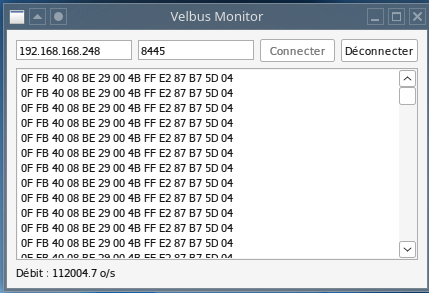
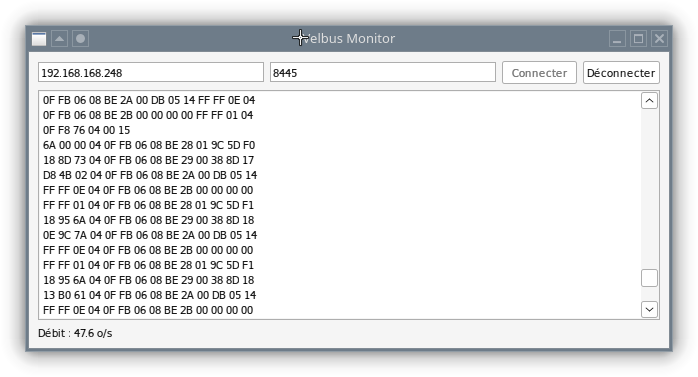
When looking with the well known analyzer ‘Wireshark’, I can see lot of [TCP ZeroWindow] emitted from the VelbusLink PC. The communication seems to saturate… Has someone this problem?

Searching with a simple “Python sniffer” a found a kind of loop. Then searching on my Raspberry PI server and found this:

sudo ss -ptn | grep "8445"
ESTAB 0      0            127.0.0.1:8445        127.0.0.1:41306 users:(("velserv",pid=13473,fd=3))                     
ESTAB 0      14           127.0.0.1:41306       127.0.0.1:8445  users:(("velserv",pid=13473,fd=2))    

Why is the service listening and to be client at the same time?

cat /etc/systemd/system/velserv.service

[Unit]
Description=Velserv

ConditionFileIsExecutable=/opt/velserv/velserv

After=network.target
After=network-online.target

[Service]
Type=forking
ExecStart=/opt/velserv/velserv -d /dev/serial/by-id/usb-Velleman_Projects_VMB1USB_Velbus_USB_interface-if00 -p 8445

ExecStart=/opt/velserv/velserv -d /dev/serial/by-id/usb-Velbus_VMBSIG_Velbus_USB_interface-if00 -p 8445

#ExecStart=/opt/velserv/velserv -d /dev/ttyACM0 -p 8445
ExecStartPost=/bin/bash -c “/bin/touch /var/log/velserv.log”
ExecStartPost=/bin/bash -c “/bin/echo Velserv Started $(date) >> /var/log/velserv.log”
ExecStartPost=/bin/bash -c “/bin/pidof velserv >> /var/log/velserv.log”
ExecStop=/bin/kill $MAINPID
TimeoutSec=0
RemainAfterExit=yes
StandardOutput=journal+console
StandardError=journal+console

RestartSec=5
Restart=on-failure

[Install]
WantedBy=multi-user.target

Maybe, could it be a bad module in my installation? I’ve remove power on $08 vmbryno but still have this message… :face_with_crossed_out_eyes:

However, the domotic still working fine and if I start my NodeJS app, it works too.
sudo systemctl start arvel
pi@arvel:~ $sudo ss -ptn | grep "8445"
ESTAB 0 0 127.0.0.1:8445 127.0.0.1:56424 users:(("velserv",pid=13951,fd=3))
ESTAB 0 14 127.0.0.1:56424 127.0.0.1:8445 users:(("velserv",pid=13951,fd=2))
ESTAB 0 196 192.168.168.248:8445 192.168.168.248:54882 users:(("velserv",pid=13951,fd=4))
ESTAB 98 0 192.168.168.248:54882 192.168.168.248:8445 users:(("node",pid=13984,fd=21))

Nothing important, but one of those lines needs commenting out or removing.

Are you using a VMBRSUSB or a Signum for your USB connection?

My guess is that the second line would fail, as port 8445 would be used by the first instance anyway.

Probably not a fix for your situation, but it would make it slightly more tidy.

Hi Stuart,

I confirm my copy/paste was bad because I was editing the file (trying to change configuration) but this is the current configuration:

[Service]
Type=forking
ExecStart=/opt/velserv/velserv -d /dev/serial/by-id/usb-Velleman_Projects_VMB1USB_Velbus_USB_interface-if00 -p 8445
# ExecStart=/opt/velserv/velserv -d /dev/serial/by-id/usb-Velbus_VMBSIG_Velbus_USB_interface-if00 -p 8445
# ExecStart=/opt/velserv/velserv -d /dev/ttyACM0 -p 8445

It’s a VMB1USB module (not the rack one)

I suspect it, because the problem occurs few months ago, without any change. I’ve unpowered it (from Velbus side) but it changes nothing. On the Velbus side, all modules are blinking sometime on RX led, so my BUS isn’t concerned (in French, “Ouf!” :grin: ).
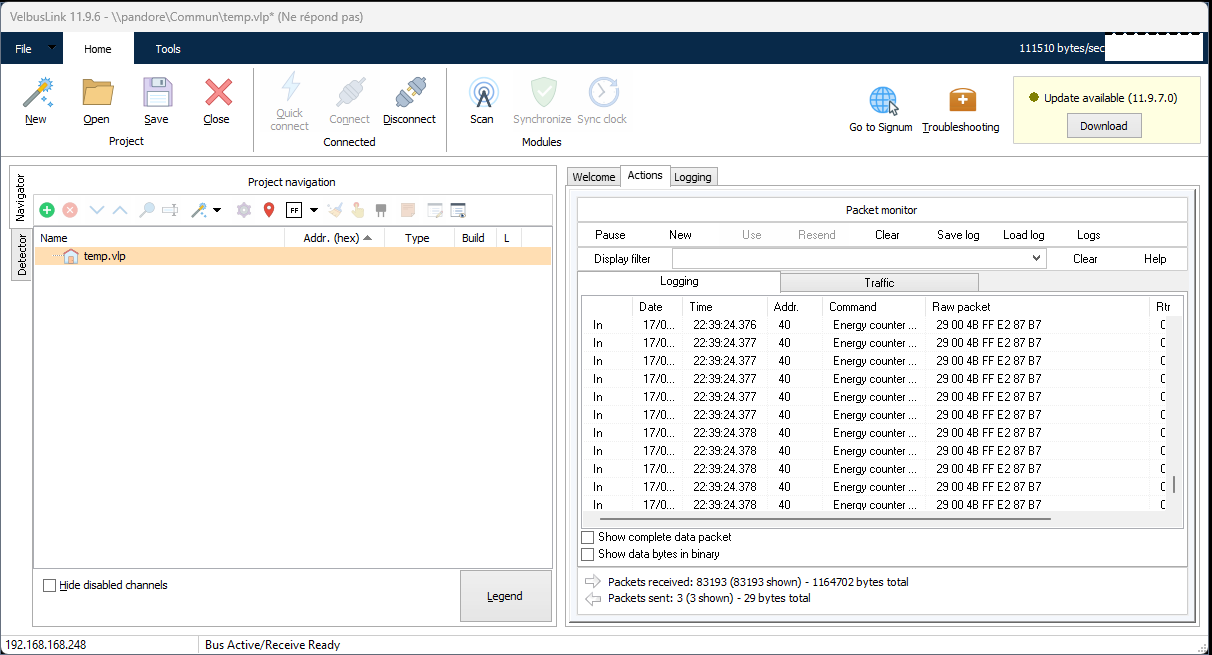
[Edit 20 minutes after] it’s ok again!]
The VMB1USB needs a full reset (power down on each side).
1 Like

Great to know it’s up and running again.

I have seen that behaviour before, many years ago.
There’s a chance it was also with a VMBUSB… :thinking:

If it happens again, it might be worth changing the USB module.