New Node-RED Velbus palette (V0.13.4)

Hello everyone

I have been talked into giving AI programming a go and thought I’d give it a meaty project to get started with.

As Gert sold his Velbus home some years ago, the NodeRed Velbus palette is in need of an overhaul.

So… Why not let some AI coder loose on that to see what it can do.

Do any of you fancy testing out what it’s created so far and give some feedback?

There are help files in place which should get you up and running quickly.

If you’re not comfortable side loading a palette into a NodeRed instance, please wait until I’ve made it a full public feature.

But… If you are happy and you know how to tar a palette into the right folder and restart NodeRed…

I’d love to get your feedback

directly within the NodeRed palette manager

Just search for velbus-2026

available on GitHub

available on NPMjs.com

https://www.npmjs.com/package/node-red-contrib-velbus-2026

npm install node-red-contrib-velbus-2026

or download the latest TarBall here

http://velbus.co.uk/dl/node-red/velbus/node-red-contrib-velbus-2026.tar.gz


Example help files

Each node has it’s own help file.
If you find it confusing or you need more information, please just ask.

velbus-relay

For V1 relays only

Interprets Velbus relay module packets and encodes commands.

Configuration

Bridge

Select or create a velbus-bridge config node.

Address

Module address in hex (e.g. 01, 0A). No 0x prefix needed.
(Drop down list of discovered and supported modules coming soon)

Start channel / Channel count

Filter which channels this node handles. Default: all 4 channels.

Module type

Leave blank — auto-detected from bus scan. Fill in only if module is offline at startup.

Output 1 — State / Events

Emitted on every relay state change (from 0xFB and 0x00 packets).

{
  topic:          "relay_status",
  address:        "0x01",
  module:         "VMB4RYLD-10",
  channel:        1,
  channelBit:     "0x01",
  state:          "on",          // off | on | timer_running | forced_on | forced_off | inhibited
  mode:           "on",
  timerRemaining: 0,
  ledState:       "on",          // off | on | slow_blink | fast_blink | very_fast_blink
  timestamp:      1719100000000
}

Also emits module_online and relay_switched topics.

Output 2 — Warnings

Emitted when a channel is in forced_on, forced_off or inhibited state.

Input — Commands

{
  channel:  1,           // 1-based channel number
  cmd:      "on",        // see command list below
  duration: 30           // seconds (timer/forced/inhibit commands only; -1 = permanent)
}

Commands:

  • on
  • off
  • toggle
  • timer
  • interval_timer
  • forced_on
  • forced_off
  • cancel_forced_on
  • cancel_forced_off
  • inhibit
  • cancel_inhibit
  • status

velbus-relay-20

Interprets Velbus V2 (-20 series) relay module packets and encodes commands.

Supports:

  • VMB4RYLD-20
  • VMB4RYNO-20
  • VMB1RYS-20

For original series relay modules (VMB4RYLD, VMB4RYNO-10, VMB1RYS etc.) use the velbus-relay node instead.

Configuration

Name override

Leave blank — the node retrieves the module name from VelbusLink automatically. Only fill in if you want to override it.

Bridge

Select or create a velbus-bridge config node.

Address

Module address in hex (e.g. 01). No 0x prefix needed.
(Drop down list if discovered and supported modules coming soon)

Start channel / Channel count

Filter which channels this node handles.

Output 1 — State / Events

Emitted on every relay state change. V2 modules send one packet covering all channels simultaneously.

{
  topic:          "relay_status",
  address:        "0x01",
  module:         "Living Room",
  channel:        1,
  state:          "on",   // off | on | timer_running | forced_on | forced_off | inhibited
  on:             true,
  inhibited:      false,
  forcedOn:       false,
  forcedOff:      false,
  programDisabled: false,
  timerRunning:   false,
  alarmProgram:   { program:0, alarm1:false, ... },
  timestamp:      1719100000000
}

Also emits module_online and relay_switched topics.

Output 2 — Warnings

Emitted when a channel is in forced_off or inhibited state, and on firmware incompatibility.

Input — Commands

{
  channel:  1,        // 1-8, or "all"/0/255 for all channels
  cmd:      "on",     // see list below
  duration: 30        // seconds (timer/forced/inhibit only; -1 = permanent)
}

Commands:

  • on
  • off
  • toggle
  • timer
  • interval_timer
  • forced_on
  • forced_off
  • cancel_forced_on
  • cancel_forced_off
  • inhibit
  • cancel_inhibit
  • status

Firmware check

On startup the node checks the module’s memory map version. If incompatible, the node turns red and blocks all commands.
Check the Node-RED log for details.
1 Like

node-red-contrib-velbus-2026 — Development Changelog

Author: Stuart Hanlon, MDAR Limited (UK Velbus distributor)
GitHub: Moving to Velbus ownership
npm: node-red-contrib-velbus-2026
Status: Active development — real hardware tested on live client installations

This palette is a ground-up rewrite for modern Node-RED (v3+/v5) with full
V2.0 (-20 series) module support. It replaces the abandoned node-red-contrib-velbus
palette (gertst, last updated 2020).

Testers welcome — particularly anyone with hardware not listed as confirmed below.
All feedback via GitHub issues, with examples and debug captures where possible.


Please refer to the GitHub ChangeLog for up to date information


Highlights

v0.13.0 — 15/07/2026

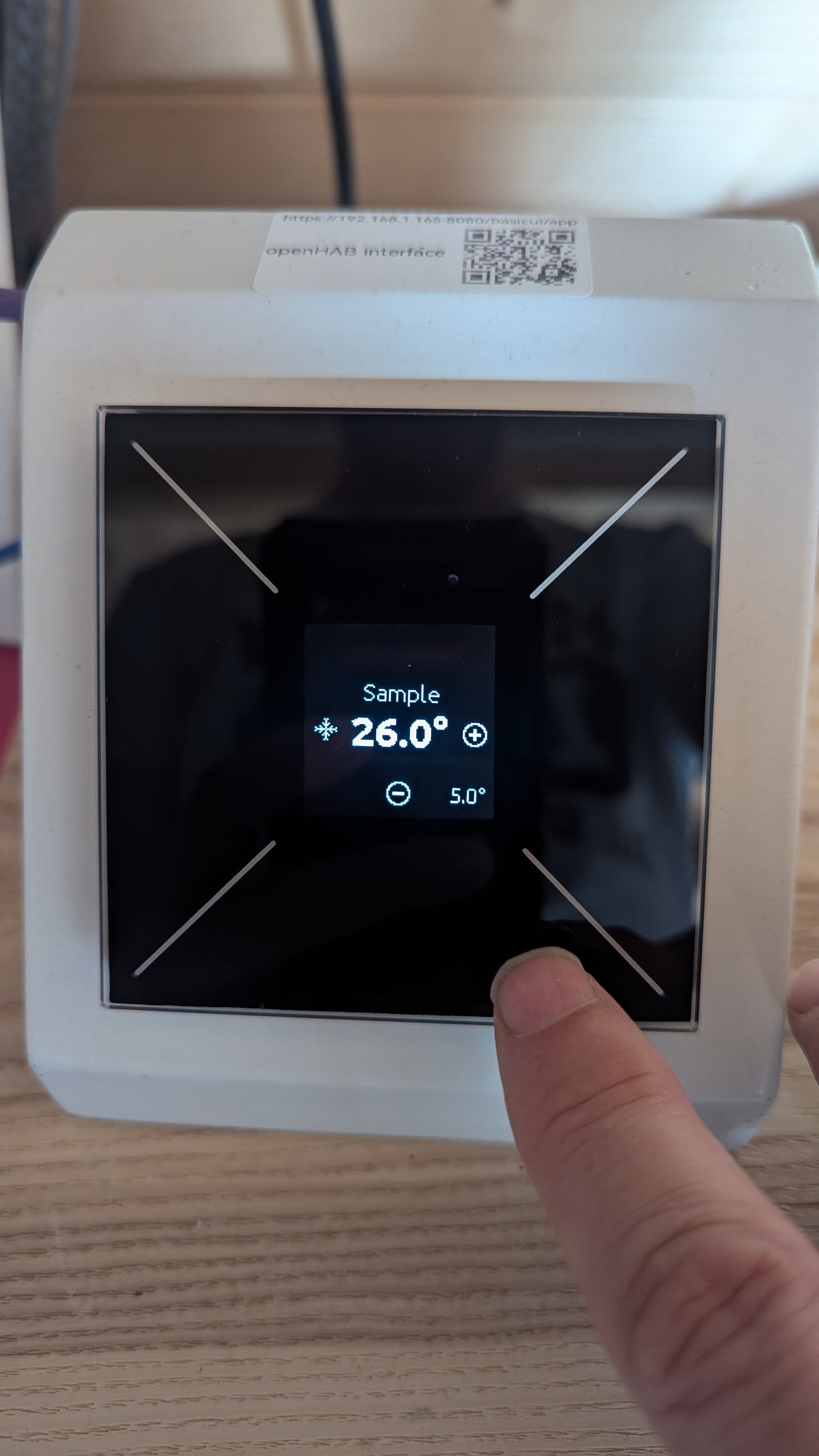
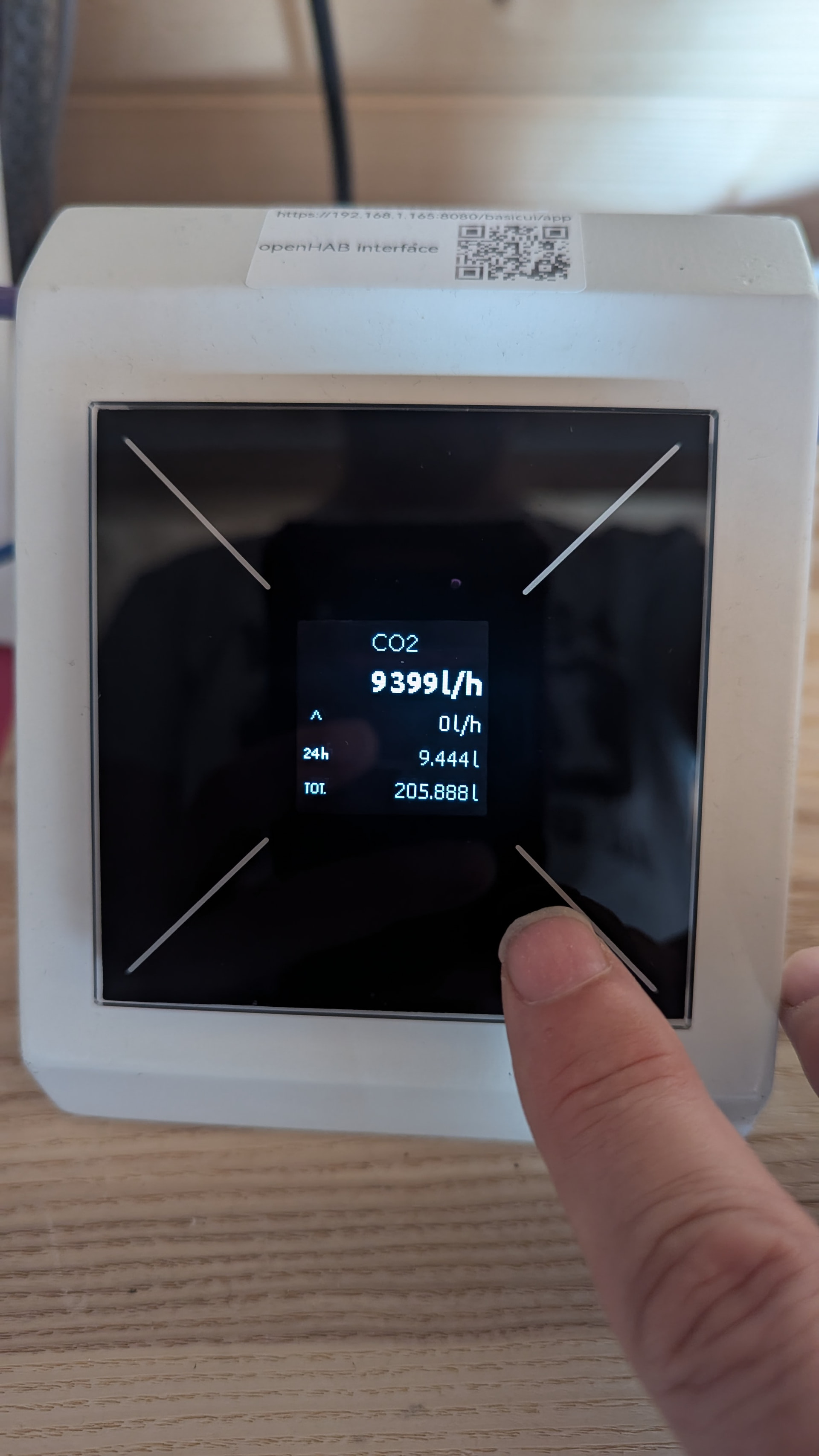
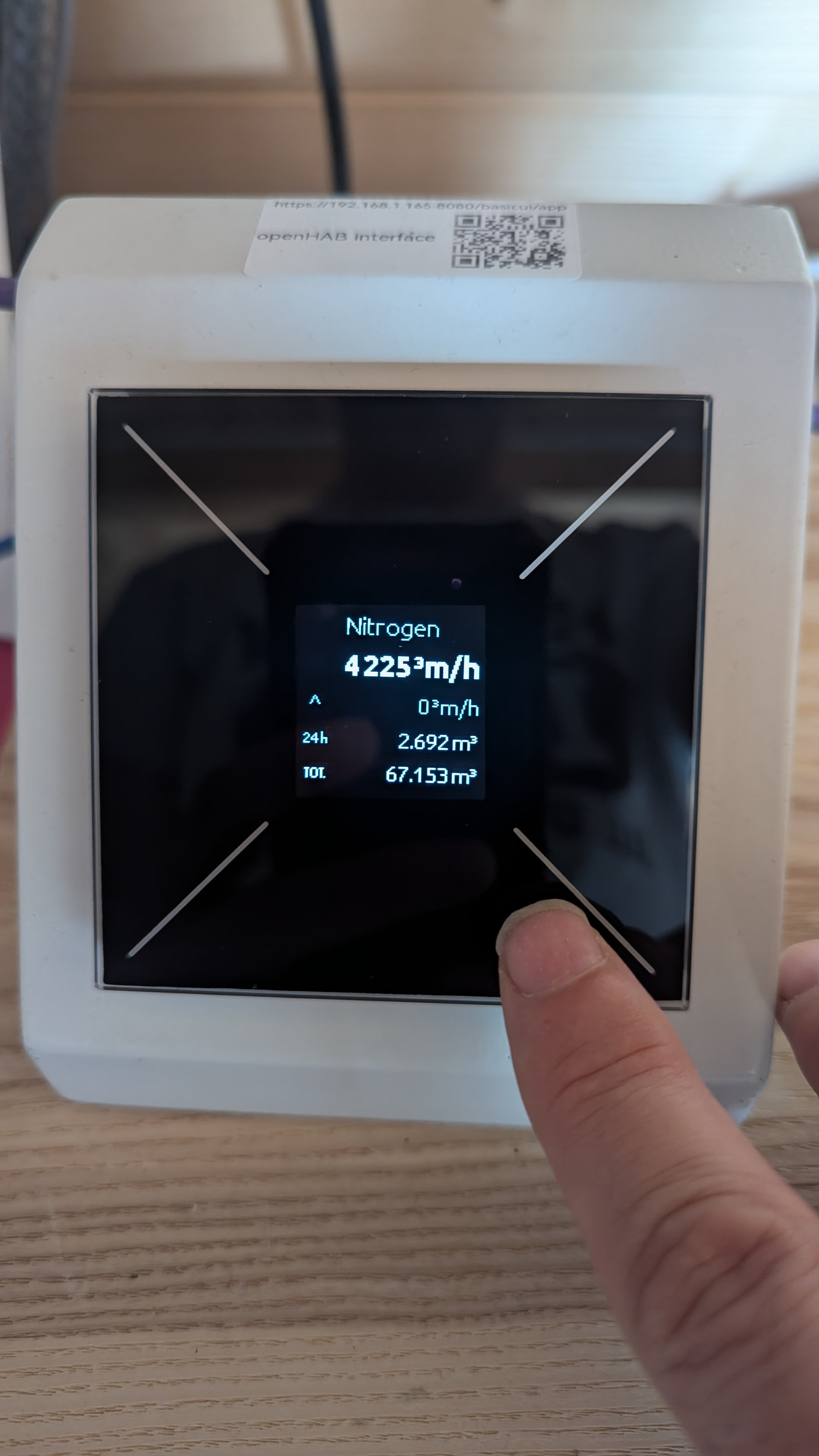
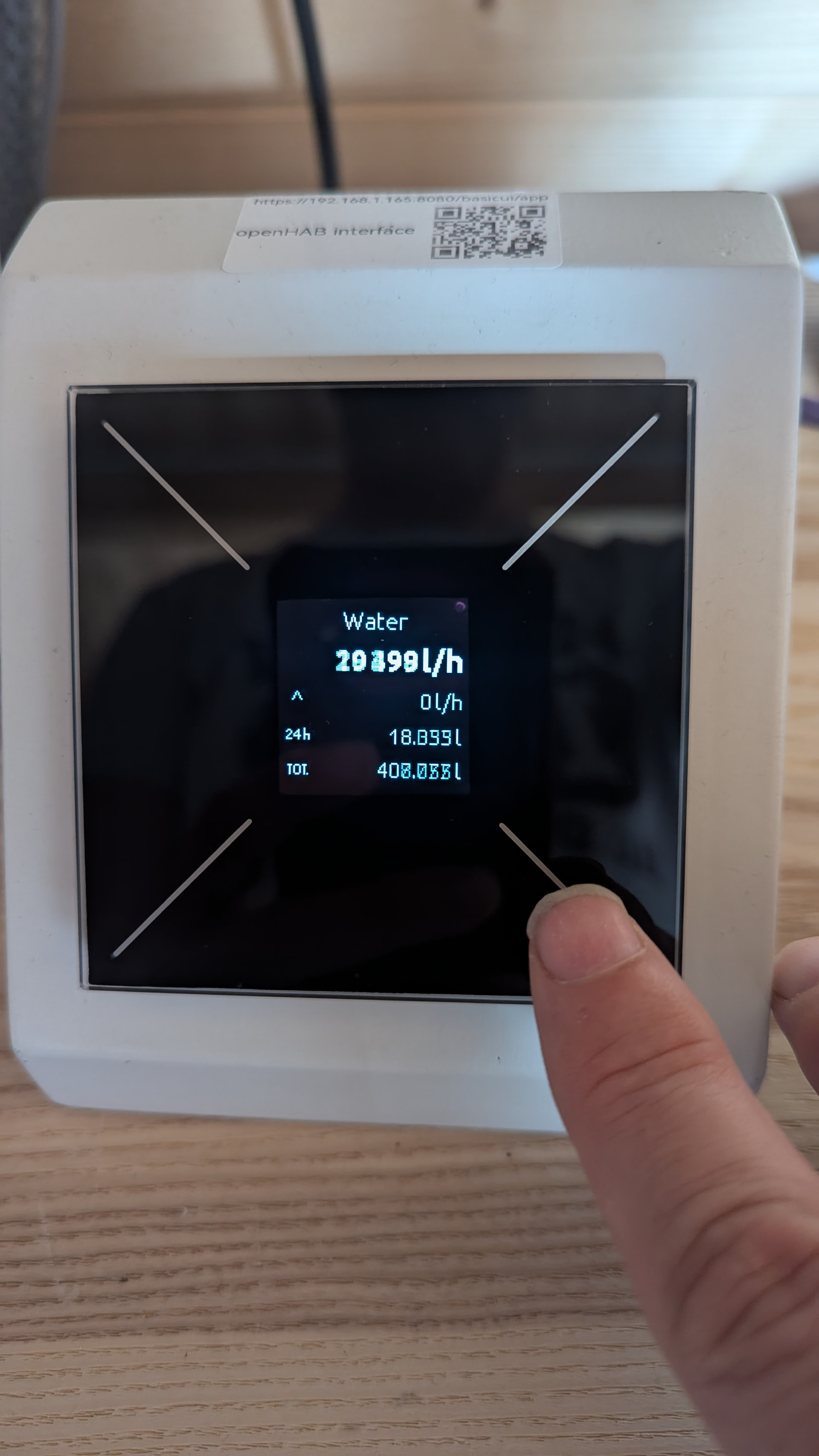
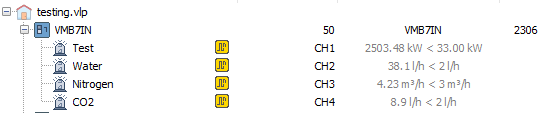
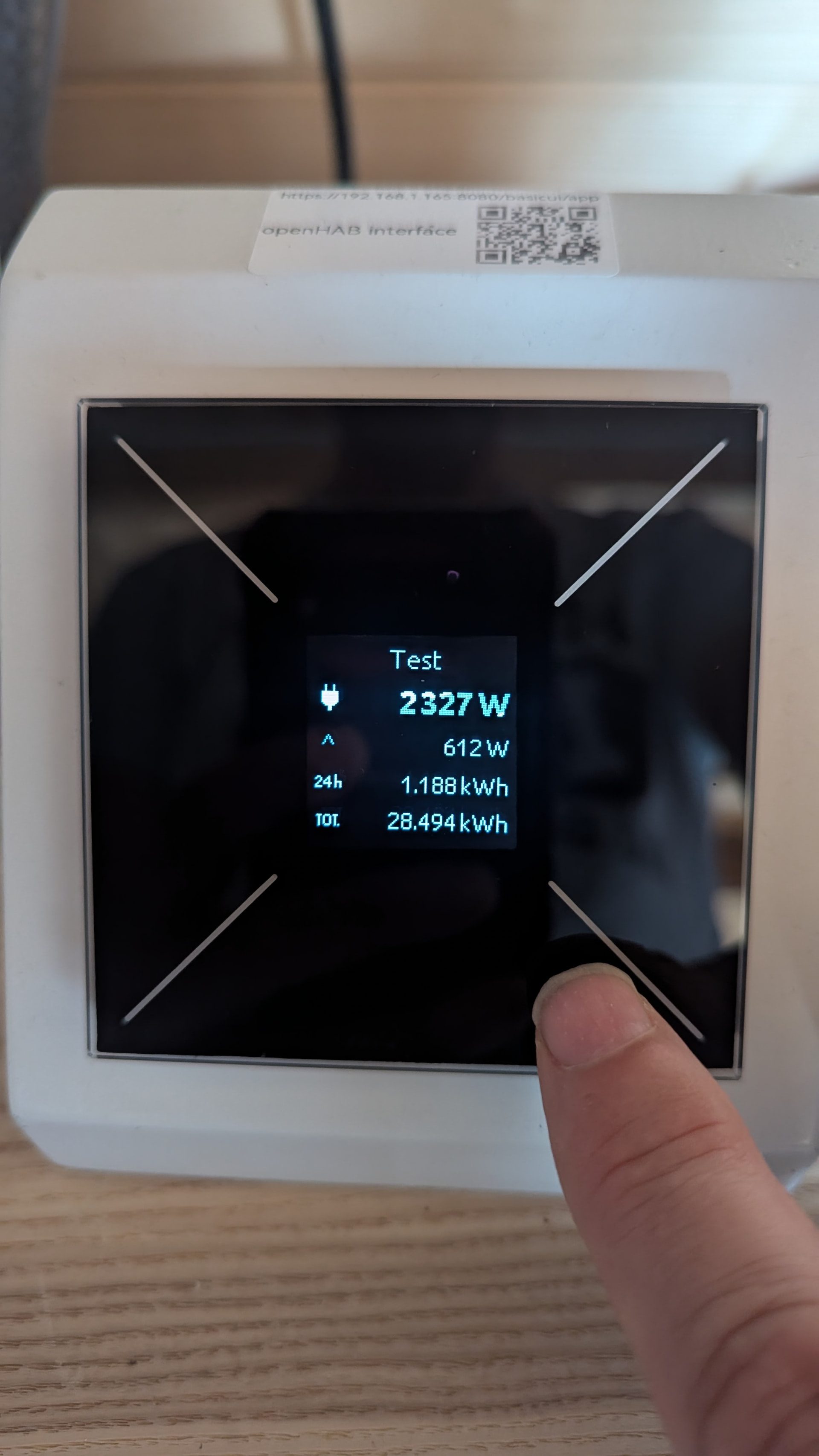
New: velbus-emulate-counter — third-party data onto the bus, displayed natively on OLED panels

The actual goal this whole evaluation was working towards: get third-party data (MQTT, Modbus, anything Node-RED can reach) onto the Velbus bus as a genuine module, so VelbusLink can assign it to a real OLED Counter page (VMBGPOD/VMBELO) and display it natively
— not a single scrolling Memo-Text banner.

Emulates a real VMB7IN (pulse-counting utility meter interface — confirmed genuinely generic across electricity/gas/water, same wire format for all three, distinguished only by configured scale and unit).

Real build number 2306 confirmed from a real installation, same discovery mechanism already proven for VMB4PB/VMB4DC.


FWIW the recent convention is nowadays to publish packages under an author namespace as per Packaging : Node-RED so you should be able to name your package as @MDAR/node-red-velbus or something similarly easier to look at than anything with numbers in the name.

Indeed

But there is already a Velbus palette, the year is to be clear about the start date of this palette.

We did debate the name Velbus-2 but that’s not quite what we wanted to indicate.


As it was always my intention to create this palette then transfer it to Velbus, I elected to not publish it under my own namespace.

WOW

Someone is showing an interest in it, even before it was published

I hope they didn’t spot as many errors in it as I did :face_with_peeking_eye:

image
(as of July 9th 2026)

And here it is

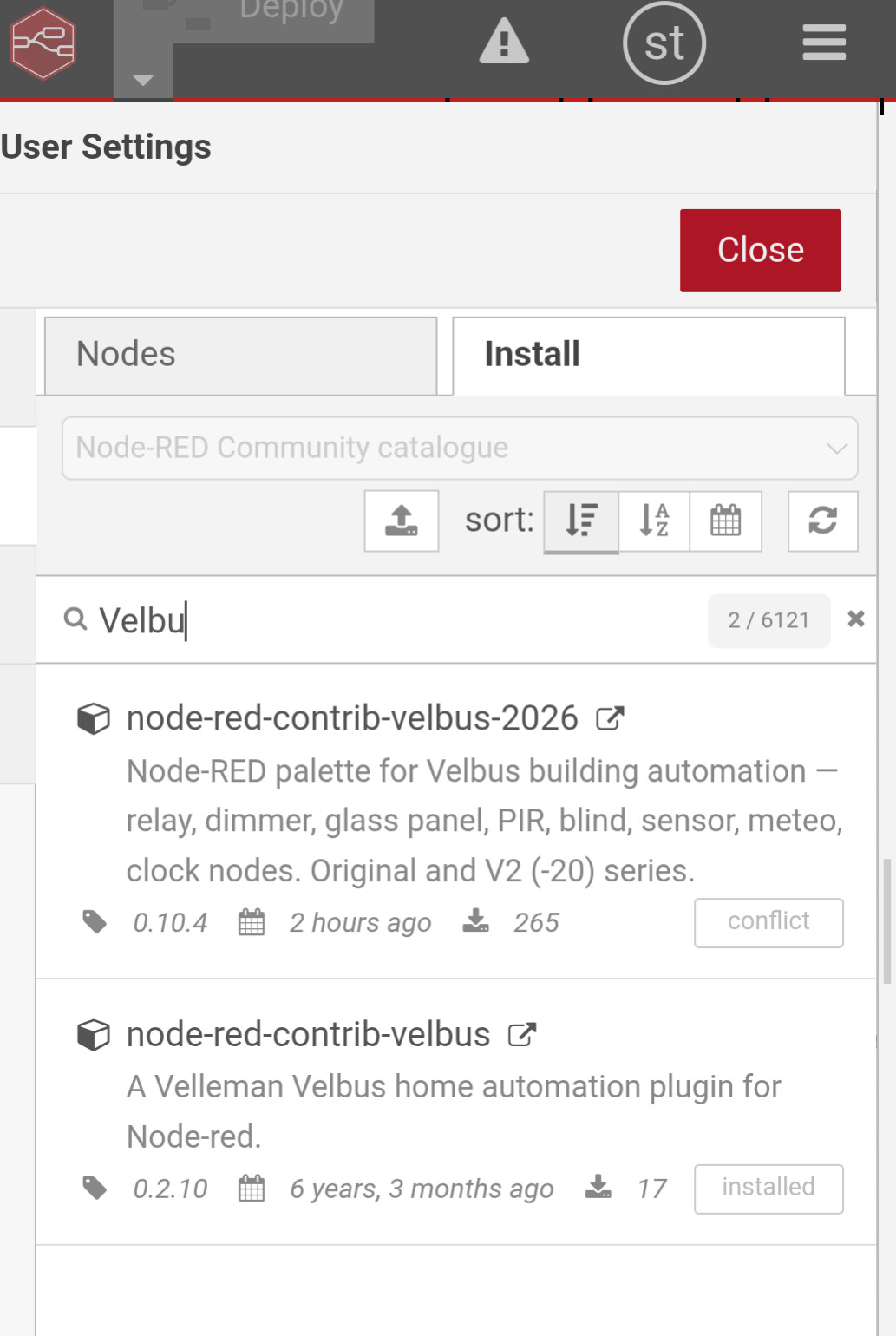
Listed in the palette manager


(July 9th 2026)

thanks to everyone that is downloading this palette

I hope it’s doing everything you need and I hope I am catching the bugs before you see them.

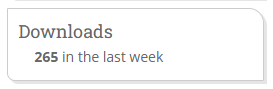
Total downloads todate = 1322 (July 15th 2026)

Big changes in the latest update :–

node-red-contrib-velbus-2026 —

recent changes (v0.10.5 → v0.12.8)

:new_button: New: Module emulators

Two new nodes let Node-RED pretend to be a real Velbus module on the bus —
useful for training, testing, and building against modules you don’t have on
the bench:

  • velbus-emulate-button-io — emulates a VMB4PB in I/O mode (4 button
    inputs + 4 open-collector outputs)
  • velbus-emulate-dimmer — emulates a VMB4DC (4-channel dimmer)

Both can be scanned, linked, and configured from VelbusLink exactly like
real hardware
, including:

  • Real memory read/write/dump (channel names, link configuration all persist)
  • Genuine reaction to VelbusLink-programmed links — button events on the bus
    correctly trigger On/Off/Toggle/Momentary/Forced actions on the emulated
    outputs, and long-press dimming on the emulated dimmer
  • Persistent forced-off state (sticks until cancelled, exactly like real
    hardware, including correctly showing as “Locked” in VelbusLink)
  • Configurable long-press dim speed per channel — not limited to real
    hardware’s fixed 4-or-8-second choice
  • Node-RED can also drive both directly (simulate button presses, set dim
    levels, or command outputs on/off/toggle/forced) for testing without any
    real bus traffic at all

:bug: Fixes

  • Flow Library “no examples” flag — replaced a broken, Dashboard-dependent
    example with two working ones that need no other palette
  • Fixed the emulators not responding to VelbusLink’s memory read/write/dump
  • Fixed the emulators using the wrong firmware build number (VelbusLink
    wouldn’t recognise them until this was corrected)
  • Fixed relay/button actions firing multiple times per button press
    (press and release and long-press all triggering the same action)
  • Fixed the Forced-off action mapping — an early guess at which byte meant
    which action turned out to be wrong; now confirmed against real VelbusLink
    testing
  • Fixed forced-off state not showing as “Locked” in VelbusLink’s own display

:page_facing_up: Docs

  • README now documents the (optional) settings.js context-store setting
    needed for the emulators’ memory to survive a Node-RED restart
  • Corrected an out-of-date Examples section

Full commit-by-commit changelog: [node-red-contrib-velbus-2026/CHANGELOG_FORUM.md at main · MDAR/node-red-contrib-velbus-2026 · GitHub]