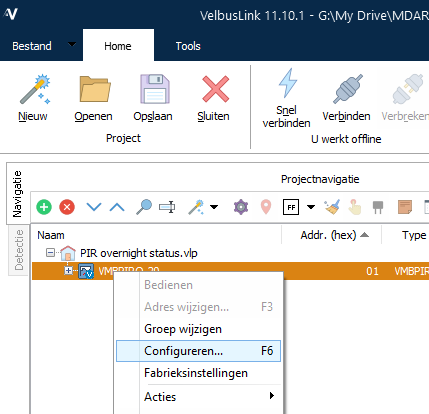
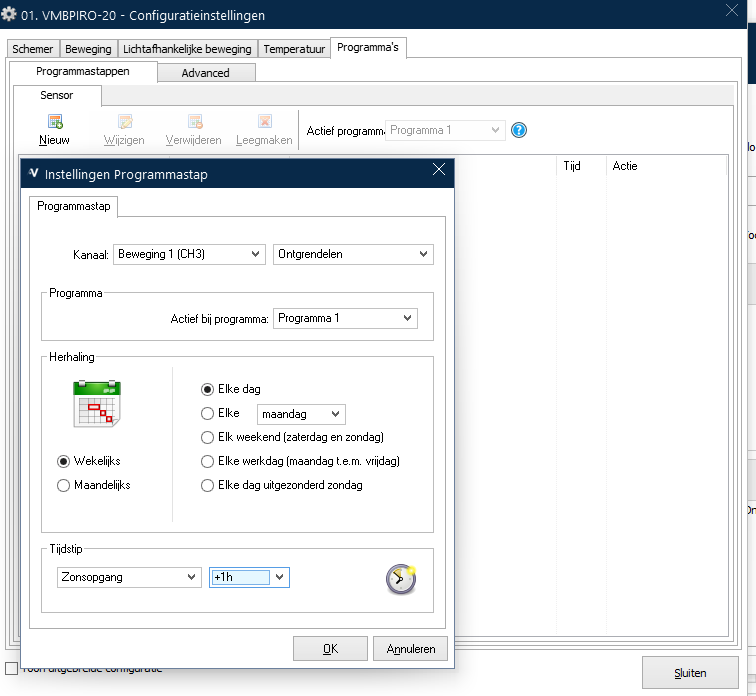
Mijn eerste post op dit forum. Ik heb me door mijn elektricien laten overhalen om Velbus domotica te installeren voor mijn totaalrenovatie (zelfbouw, hij heeft de kast aangesloten). Nog voor ik 1 kabel getrokken had was ik de instructies al aan het lezen en ontdekte ik dit forum. Sinds 2 weken is alles gekeurd en ben ik mijn eerste stappen in het Velbus programmatie systeem. De basisstappen had ik na een halve dag onder de knie, nu wil ik wat verder gaan en hoop ik hier op weg geholpen te worden om zo verdere ervaring op te doen.
Omgeving: Nachthal.
Gemonteerde ingangen:
1 x PIR sensor VMBPIR-20
1 x Drukknop met achterliggend een VMB6PB module.
Uitgangen:
Verlichting plafond (aangesloten op dimmodule)
Nachtverlichting op ‘voethoogte’ (aangesloten op relaismodule)
Gewenste situatie:
‘S nachts, tussen zonsondergang en zonsopgang wordt bij waarneming door PIR sensor de nachtverlichting geactiveerd gedurende 30 seconden.
Eén uur voor zonsondergang en één uur na zonsopgang wordt bij waarneming door PIR sensor de verlichting van het plafond geactiveerd gedurende 30 seconden en dit op een in te stellen dimniveau.
Ten alle tijde moet de verlichting vd plafond op 100% aan kunnen worden gezet door het bedienen van een kanaal (drukknop) op de schakelaar (VMB6PB).
Kunnen jullie mij even op een juiste weg zetten? Aangezien mijn wens (zonsopgang/zonsondergang) gepaard gaat met het importeren van deze (veranderlijke) uren is een basiscommando om de stappen te programmeren binnen bepaalde tijdszones ook een goede start.
Sure, no problem! Thank you for the quick reply.
I recently booted the Velbus system in my renovated home. It’s my first Velbus system and thus my first experiences in Velbuslink. I basically manage all the beginner steps, but was looking into a challenge to “up” my game.
Situation: Upper hallway.
Input:
1 x PIR sensor VMBPIR-20
1 x VMB6PB module (push button).
Output:
Normal lighting in the ceiling (connected to a dimmodule)
Night lighting, at ground level (connected to a relay module)
Wanted situation:
At night, between sunset and sunrise, if the PIR sensor detects movement, activate the night lighting (connected to relay module) for 30 seconds.
One hour prior to sunset and one hour after sunrise, if the PIR sensor detects movement, activate the normal lighting for 30 seconds in the ceiling to a set dim status.
At all time, the normal lighting in the ceiling should be able to illuminate at 100% when a button is operated on the VMB6PB module.
Given the sunset/sunrise dependency, it should change the hour accordingly to the “live” timing during that day. If this makes the operation double as difficult, I’m ok to start with a “fixed time slot” as well.
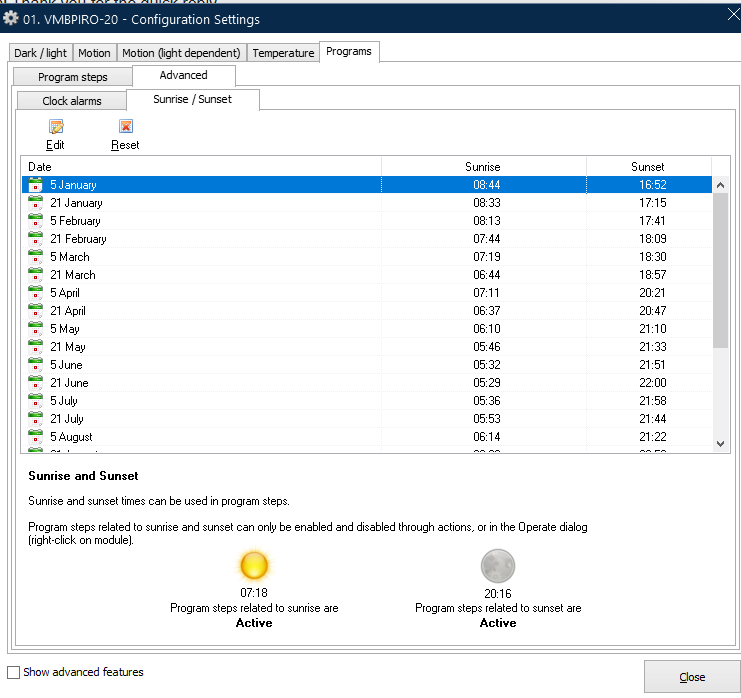
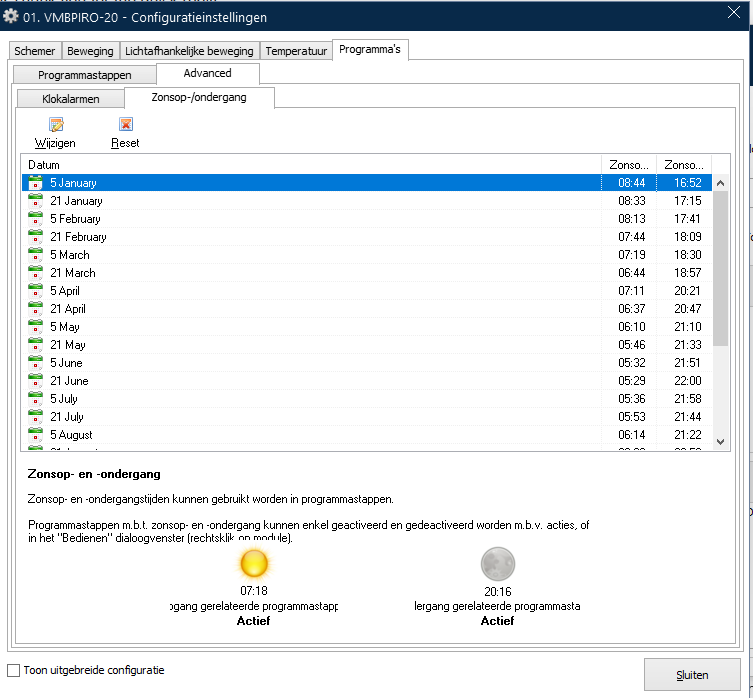
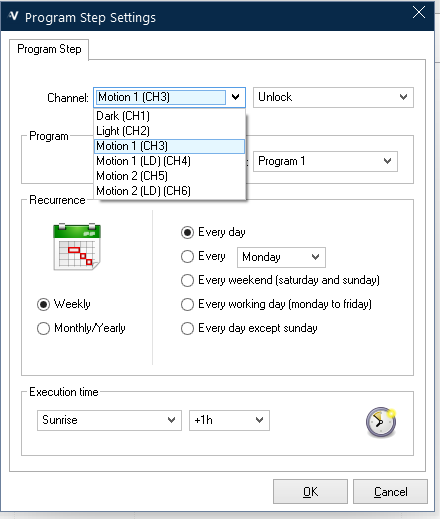
Using the SunRise and SunSet values, with or without off-sets
Once that is done and you have profiled your VMBPIR-20 how you want it.
Just add actions like normal against the Motion channels and the OutPut devices
(Don’t forget, just because a channel might be a “light dependant” motion channel, if you set the LUX level correctly, it can become … just another motion channel)
See how you get on with that and keep us all updated.
Thank you for your thorough & in depth explanation. I will certainly get to it, and report back on it once programmed! This configuration setup will help me in other situations as well!